Finds what is installed
Registry uninstall keys, the MSI database and Store packages, merged into one row per program.
DoneRemoves for real — uninstall, leftover scan, backup, undo
The hard part is what stays behind: orphaned registry keys, folders left in
AppData, startup entries that no longer start anything. Wave runs the
program's own uninstaller, finds what it left, and removes it — into a backup, so every
step can be undone.
Windows 10 (1809+) and 11 · x64 · free and MIT licensed · unsigned · unzip and run, nothing to install
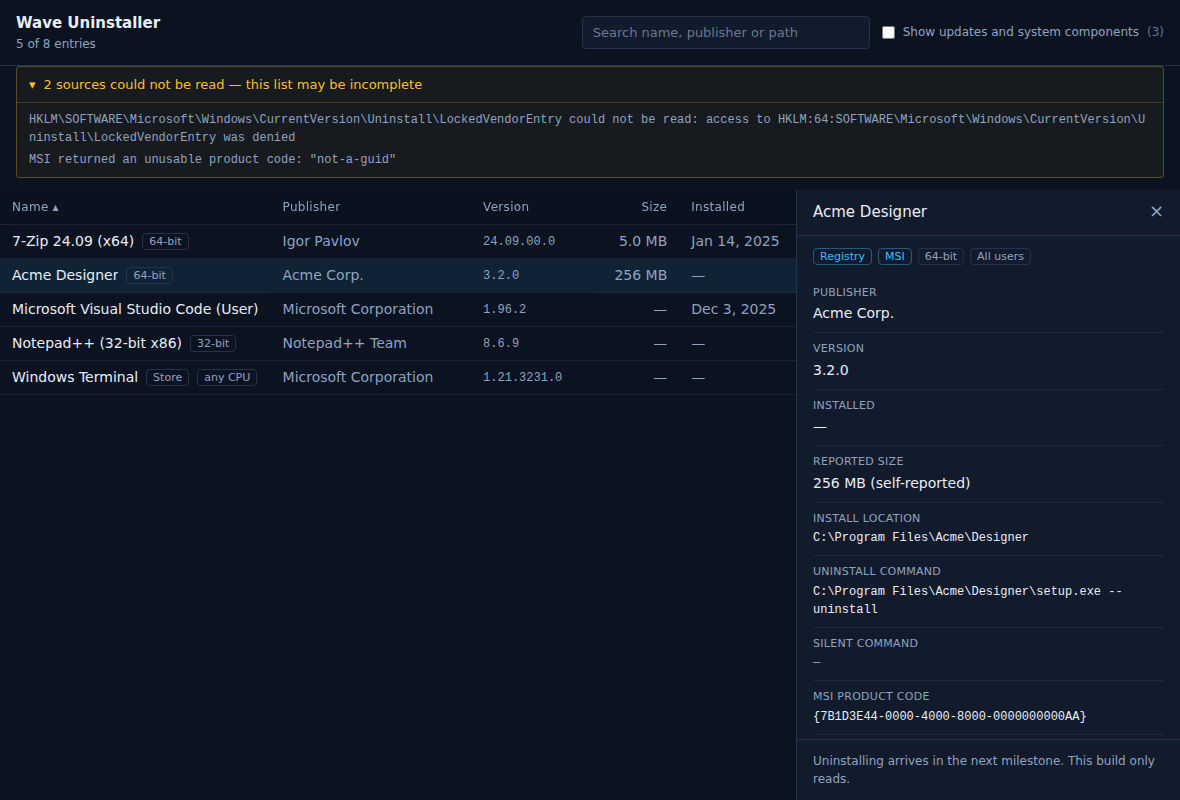
All three work today. The card says how far each one goes.
Registry uninstall keys, the MSI database and Store packages, merged into one row per program.
Done
What the uninstaller left: folders in Program Files,
ProgramData and AppData, registry keys, startup entries,
shortcuts. Services and scheduled tasks still to come.
Every removal goes to a backup first, every step is journalled before it runs, and the Backups window puts an operation back.
DoneAn uninstaller that catches the wrong directory once is unusable.
Files move to a backup with their paths intact; registry keys are saved as JSON and
as an importable .reg file.
Not the recycle bin — that cannot hold registry keys, and people empty it without thinking.
The core never calls a Windows API. It reads through one trait with two implementations: the real one, and one that reads an invented system state from JSON.
So the logic deciding what may be deleted runs against frozen test cases in milliseconds, instead of by hand in a VM.
Never touched: Windows directories, WinSxS, anything owned
by TrustedInstaller, shared runtimes, and any path belonging to another
installed program. Checked before scoring, not after.
P3 builds the undo that P4 needs, so the order cannot change.
Read the registry, MSI and Store packages, show them as a sortable list.
Run the native uninstaller, wait for its whole process tree, remove what it left.
Files and registry are searched, scored and filtered by a protection list. Services and scheduled tasks still to come.
Backup and journal are written before anything moves, and put it all back. Restore points still to come.